Unicook

Updating Airis firmware using the Safera app


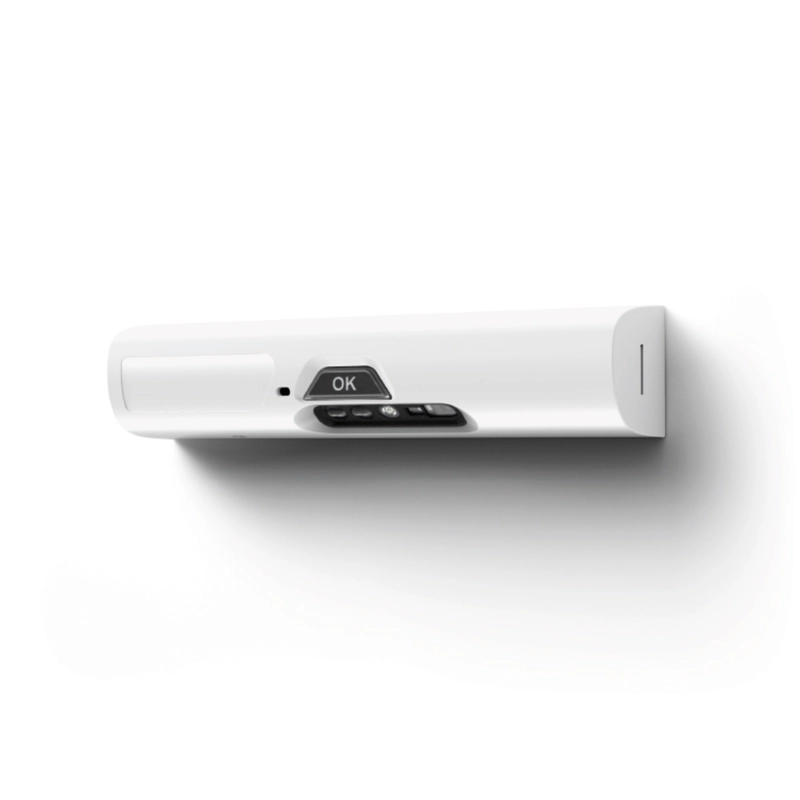
How to update your Airis Multisensor firmware

The firmware is continually being developed to improve performance and add useful features. Updating the firmware doesn't affect the ability of the product to detect a potentially dangerous situation.

Please ensure you have installed your Airis stove guard and downloaded the Safera app to your device before following this guide.

  1. Open the Safera app on your device.
  2. If a newer version of firmware is available, you'll see a popup prompting you to update it.
  3. Select "update firmware" to continue.
  4. If the popup doesn't appear, you can check for a firmware update in the settings menu using the three bars in the top right of the screen and scrolling to the "firmware update" section.
  5. When updating, the Multisensor indicator light will light up blue.
  6. Once the firmware update is installed, the Multisensor will restart.
  7. Following completion of the process, the app will notify you that it has finished.
  8. You can check the latest software information within "sensor information" in the settings menu.

Please note: keep your device close to the Multisensor during the firmware update and do not shut down the Safera app.

Have a different question, or need more information?

Get in touch with Unicook on +33 (0)2 22 44 44 97, or select one of the options below.

Email Us
5-star rating

Rated 5 stars by our customers

Unicook certifications

We’ll call you back!

If you have any questions or if you need advice, we’ll be happy to help.